Particle Chimes
An ambient synthesizer for iPad and iPhone. A resonator you can pluck, bow, or scrape, with a granular effect engine that creates a cloud of sound, and dozens of visualizations that respond to whatever you're playing.
Particle Chimes runs two ways:
- Standalone, as its own app.
- As an AUv3 instrument inside a host like AUM or Logic Pro, alongside your other tracks.
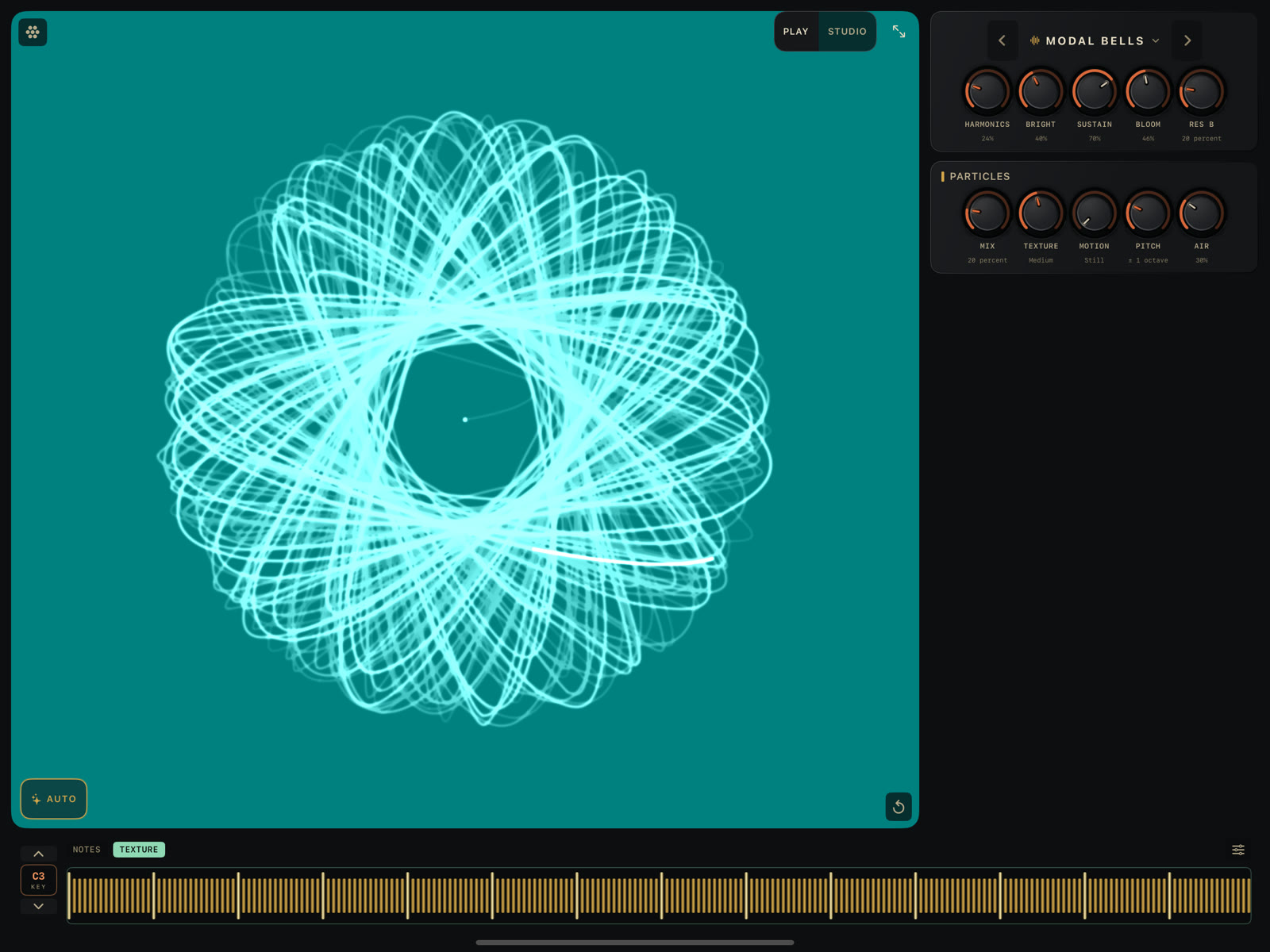
The app has two surfaces. Play is the fast way in: a handful of knobs, a sound browser, and a big visual. Studio is the same instrument with every control exposed, laid out across each section of the synth, resonator, particles, delay, and reverb.
-
Your first sound
From opening the app to playing something in about two minutes.
-
Play and Studio
What the two surfaces show, and how to move between them.
-
The performance ribbon
The touch strip at the bottom of the screen: NOTES, FREE, TEXTURE, FIXED.
-
Inside a host
Loading Particle Chimes as an AUv3 instrument, and what's automatable.
Guide works through the instrument: the Play and Studio layout, the performance ribbon and its four modes, the AUTO player, microtonal tuning, presets and favorites. Reference is for looking things up: every visualizer skin and what happens when you touch it, the full SETTINGS sheet, and the AUv3 parameter list for automating Particle Chimes from a host. The appendix has troubleshooting and the instrument's lineage.
This manual describes the current build of Particle Chimes. It doesn't cover tvOS.