iPhone and iPad: free tier and unlock
Bent Spool on iPhone and iPad is free to download. One in-app purchase, Bent Spool Unlock, opens the rest. It is a single payment at $9.99 with no subscription. The price your device shows comes from the App Store.
What is free
- TREM in full, with the OD drive voice. There is no time limit and no interruption.
- 10 factory presets: the ten TREM presets, TREM - 01 to TREM - 10.
- Everything on the face and back panel that applies to TREM: DRIVE (OD), SHAPE, CHAOS, WEAR, MIX, SYNC, DEPTH, PHASE, LEVEL and the WEAR trims.
What the unlock opens
- REPEAT and LOOPS.
- The FUZZ drive voice, including the eight FUZZ TREM presets.
- The other 38 factory presets, 48 in all.
- Saving your own presets, and importing
.bentspoolfiles.
Trying the locked parts
You can try them without buying. Tap REPEAT or LOOPS on the mode switch, or tap FUZZ, and Bent Spool switches to it and plays at full quality for 15 seconds. A line under the preset name counts down, for example LOOPS PREVIEW · 12s · UNLOCK.
When the 15 seconds are up:
- The mode goes back to TREM and the drive voice goes back to OD.
- If the editor is open, the unlock sheet appears.
Picking another locked mode or FUZZ starts a fresh 15 seconds. Buying or restoring during a preview ends the preview and keeps your setting. The countdown runs on the clock, so it also runs if you close the editor. Loading a locked preset by another route, such as from the host's preset menu or a saved host session, starts the same 15 second preview.
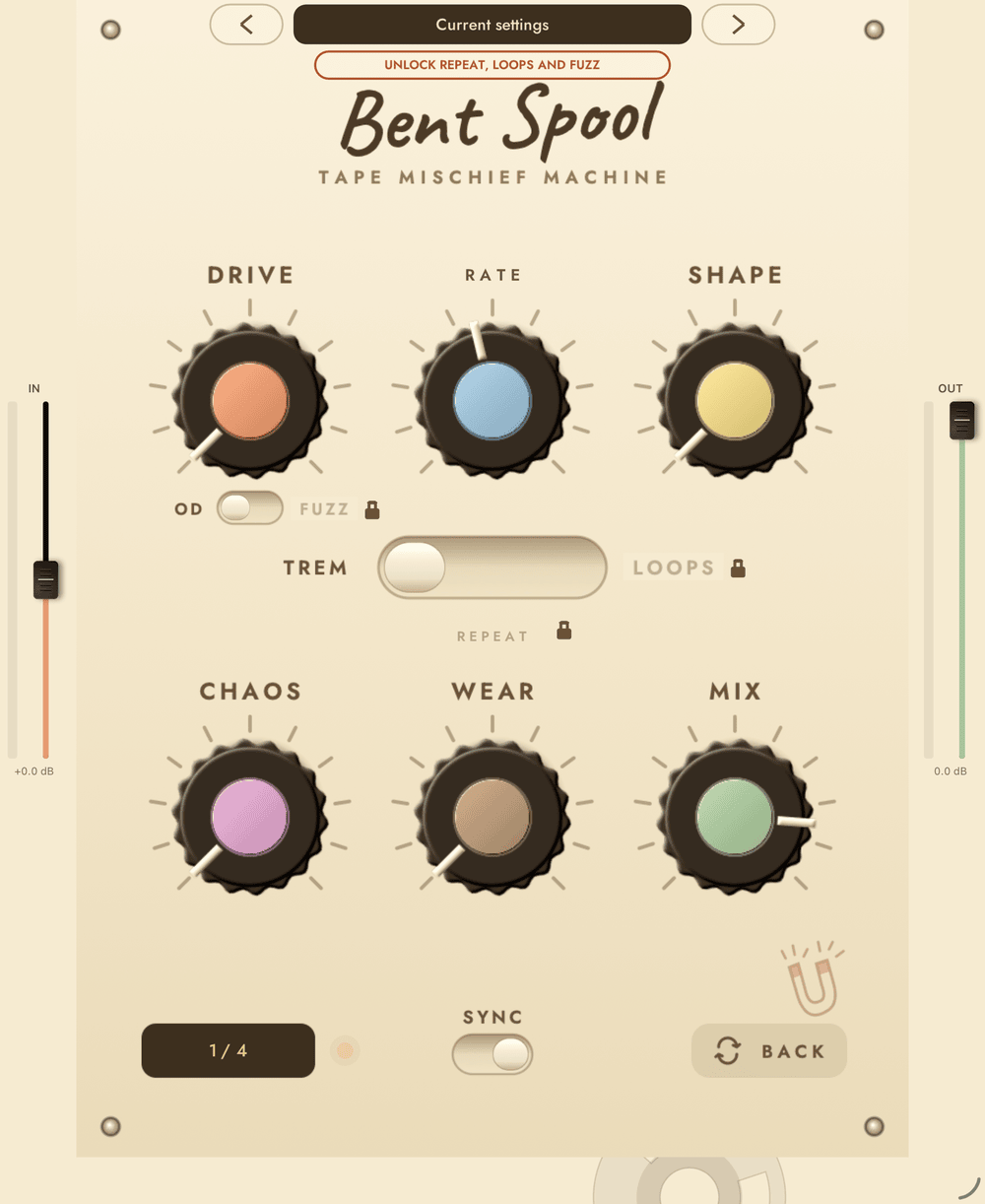
Locked options carry a small padlock next to their label. Until you unlock, a pill under the preset name reads UNLOCK REPEAT, LOOPS AND FUZZ. Tapping a locked preset in the browser opens the unlock sheet and does not load the preset.
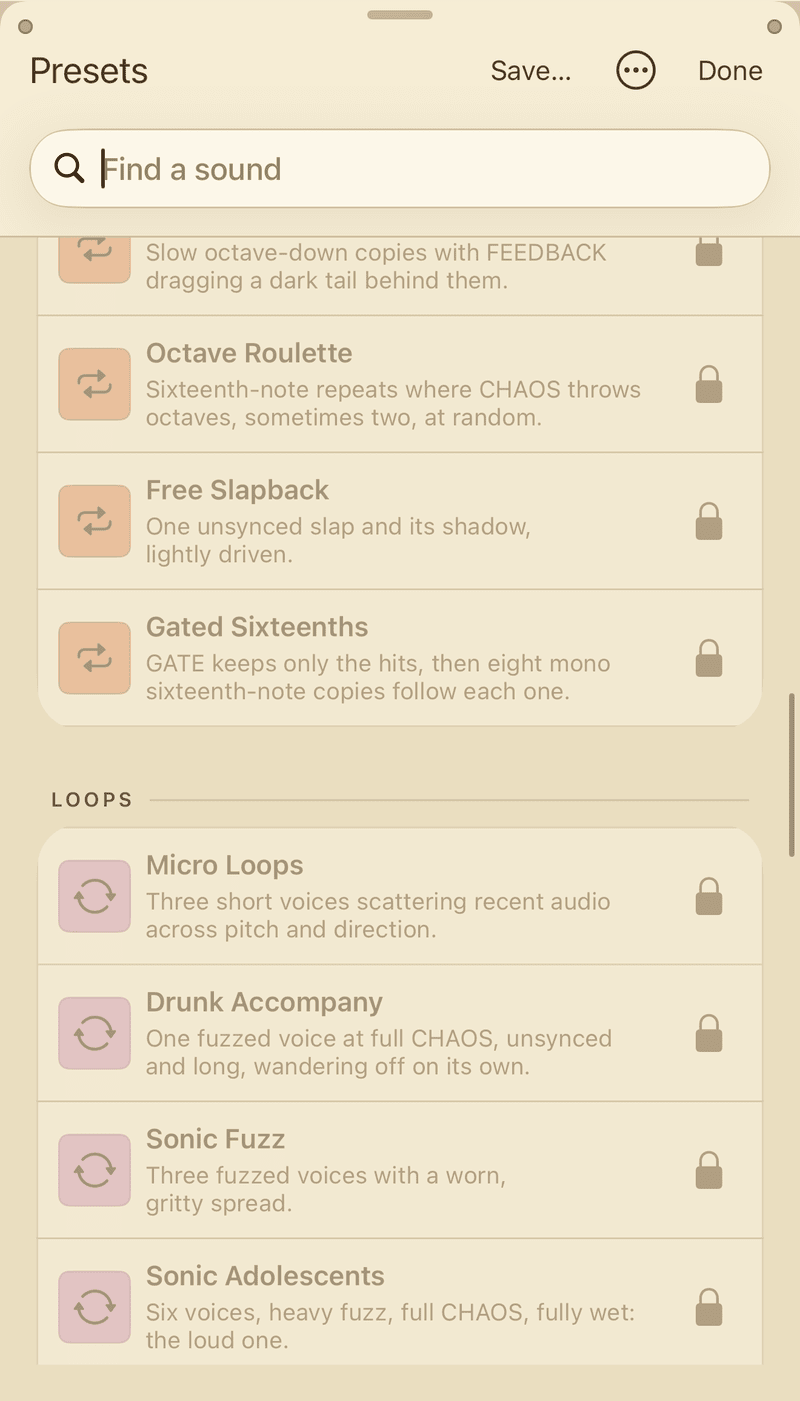
If a project holds FUZZ or REPEAT or LOOPS settings and you are not unlocked, the audio is limited: FUZZ plays as OD, and REPEAT and LOOPS go silent for 1 second after every 60 seconds of audio. The stored setting is kept, so unlocking restores it.
The unlock sheet
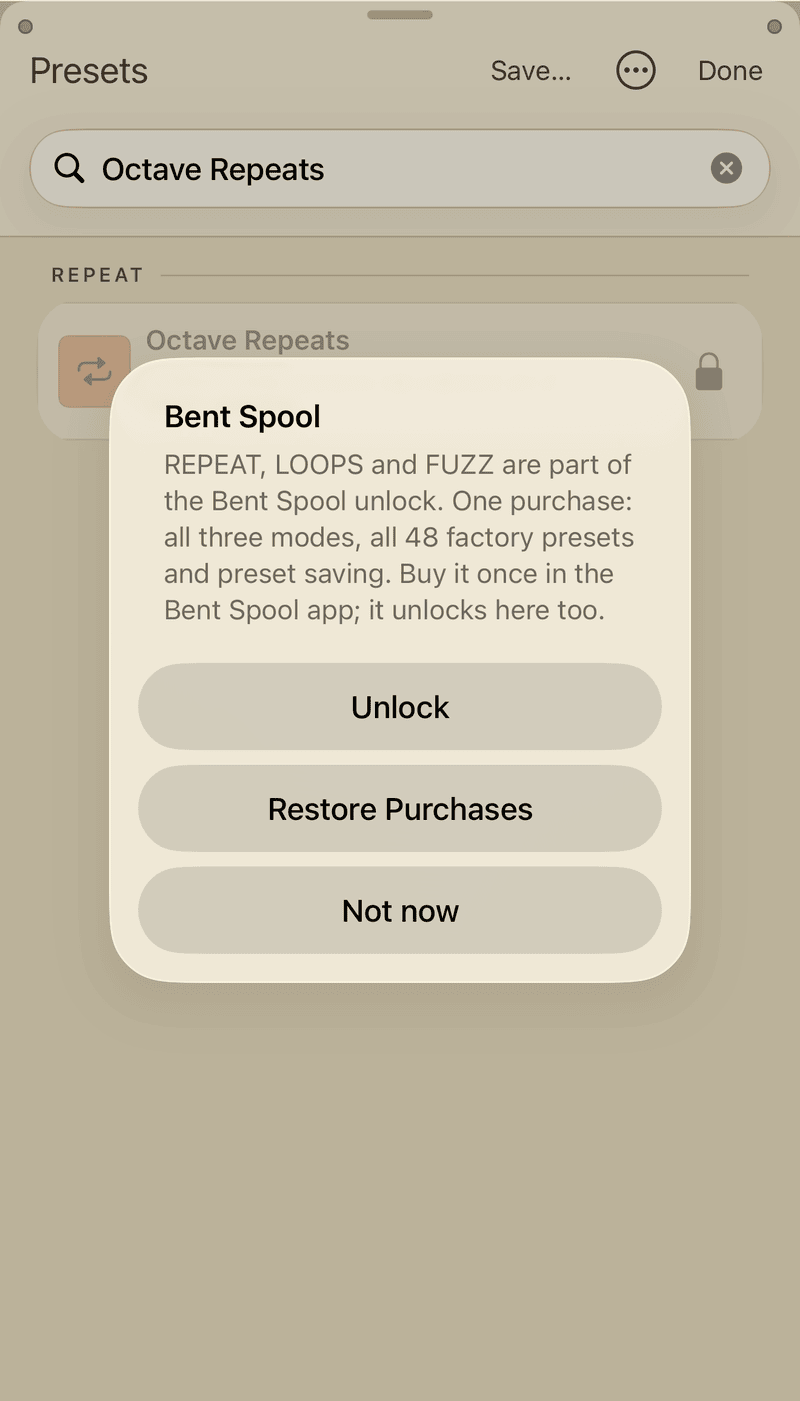
The sheet is titled Bent Spool and offers:
- Unlock for price. In the app this buys the unlock. Inside an AUv3 it opens the Bent Spool app, where you finish the purchase.
- Restore Purchases. Use it on a new device, or after reinstalling. It answers Bent Spool is unlocked. or No Bent Spool unlock was found for this Apple ID.
- Not now.
The standalone app also has an Unlock button at the top right. It reads Unlocked once you have bought it.
One purchase for the app and the AUv3
Buy once in the Bent Spool app. The app and the AUv3 effect share the unlock through an App Group, so the AUv3 inside AUM, Loopy Pro or any other host unlocks too. If the AUv3 still looks locked after you buy, run Restore Purchases from the unlock sheet.
iOS and desktop purchases do not carry over
The iPhone and iPad unlock does not unlock the desktop plug-ins, and a desktop license does not unlock iPhone and iPad. See Desktop license and demo.